
How to Spot Phishing Emails at Work
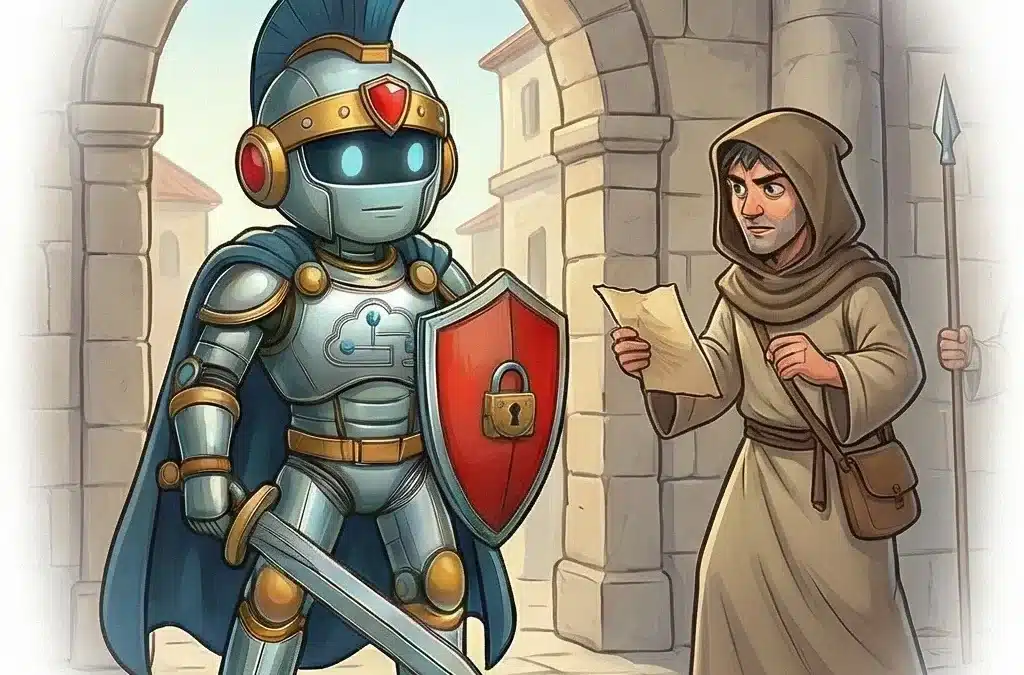
In ancient Rome, guards did not only watch the gates. They watched for deception within the crowd. In today’s workplace, your inbox is one of those gates.
Phishing attacks remain one of the most common security threats because they target people, not systems. Understanding phishing email signs is one of the most practical skills you can build as an end user. You do not need to be technical. You need to be attentive.
Roman Insight: “The enemy rarely breaks the door — they trick you into opening it.”
Why This Matters
Email scams are responsible for data breaches, payroll fraud, account takeovers, and ransomware infections. Most of them begin with a simple message that looks ordinary.
Phishing works because it uses social engineering. That means attackers manipulate emotions such as urgency, fear, authority, or curiosity. They want you to act quickly before you think carefully.
One click on a malicious link can:
- Expose your login credentials
- Give attackers access to shared drives
- Trigger malware downloads
- Compromise customer or financial data
Security tools help, but they cannot stop everything. Your judgment is the final layer of protection.
Why Phishing Still Works
Many people assume phishing only affects those who are careless. That is not true. Modern phishing emails are often polished and convincing.
Here is why they continue to succeed:
- They look familiar. Attackers copy logos, signatures, and formatting from trusted brands or coworkers.
- They create urgency. Messages claim your account will be locked or a payment is overdue.
- They appear personal. Some attacks reference real names, job titles, or company details gathered online.
- They blend into daily work. In busy inboxes, a suspicious email can look like just another task.
The goal is simple. Get you to click, download, or reply before you verify.
Common Phishing Email Signs
Learning to recognize phishing email signs makes you more confident and less reactive. Watch for these red flags.
1. Unexpected Requests
Be cautious if you receive a request you were not expecting, especially if it involves:
- Password resets
- Invoice payments
- Gift card purchases
- Sharing sensitive files
If it feels out of place, pause and verify through another channel.
2. Urgent or Threatening Language
Phishing emails often say things like:
- Your account will be suspended today
- Immediate action required
- Final notice
Legitimate organizations rarely demand instant action without prior notice.
3. Suspicious Links
Hover over links before clicking. If the displayed text says one thing but the actual URL points somewhere unfamiliar, that is a strong warning sign.
Look for:
- Misspelled domain names
- Extra words added to known brands
- Strange combinations of letters and numbers
4. Generic Greetings
“Dear user” or “Valued customer” can indicate a mass email scam. While not always malicious, generic greetings combined with other red flags deserve caution.
5. Unusual Attachments
Unexpected attachments such as ZIP files, executable files, or macro enabled documents are common infection methods. If you did not request it, do not open it without verification.
6. Odd Sender Addresses
Always check the full sender address, not just the display name. A message that appears to come from your manager but uses a public email domain or a slightly misspelled company name is likely fraudulent.
Common Mistakes to Avoid
Even security aware users can make simple mistakes.
- Relying only on spelling errors. Many modern phishing emails are professionally written.
- Trusting internal looking emails. Attackers can spoof internal addresses.
- Clicking to “check if it is real.” Verification should happen separately, not through the suspicious email.
- Ignoring small doubts. If something feels off, it probably is.
Trust your instincts. Caution is not overreacting. It is disciplined vigilance.
What To Do If You Receive a Suspicious Email
If you suspect a phishing attempt:
- Do not click links or open attachments.
- Do not reply to the sender.
- Report the message using your company’s reporting process.
- Delete it after reporting if instructed to do so.
Many organizations handle these reports through internal help desk systems. It is common to see phishing tickets submitted by employees who spotted something unusual. Reporting quickly helps IT teams warn others and block similar threats.
If you accidentally clicked a link or entered credentials, report it immediately. Fast reporting can prevent further damage.
Strengthen Your Defenses Beyond Email
Phishing often aims to steal login credentials. Even strong passwords can be compromised if entered into a fake site.
This is why multi factor authentication matters. Adding another verification step makes stolen credentials far less useful to attackers. If you have not reviewed your setup recently, see our guide on MFA best practices for business users.
Security is strongest when layers work together. Awareness plus technical safeguards creates real protection.
FAQ
How do I spot a phishing email?
Look for unexpected requests, urgent language, suspicious links, unusual sender addresses, and attachments you did not request. Pause before clicking anything. Verify sensitive requests through a known phone number or internal messaging system, not by replying to the email itself. When in doubt, report it.
Final Thoughts
Phishing persists because it targets human behavior. But awareness changes the equation.
You do not need to analyze every email with suspicion. You simply need to slow down when something feels unusual. A few extra seconds of attention can prevent days or weeks of disruption.
Stay watchful. Protect the gate. Your awareness is one of the strongest defenses your organization has.
Recent Comments