
MFA Best Practices for Business Users
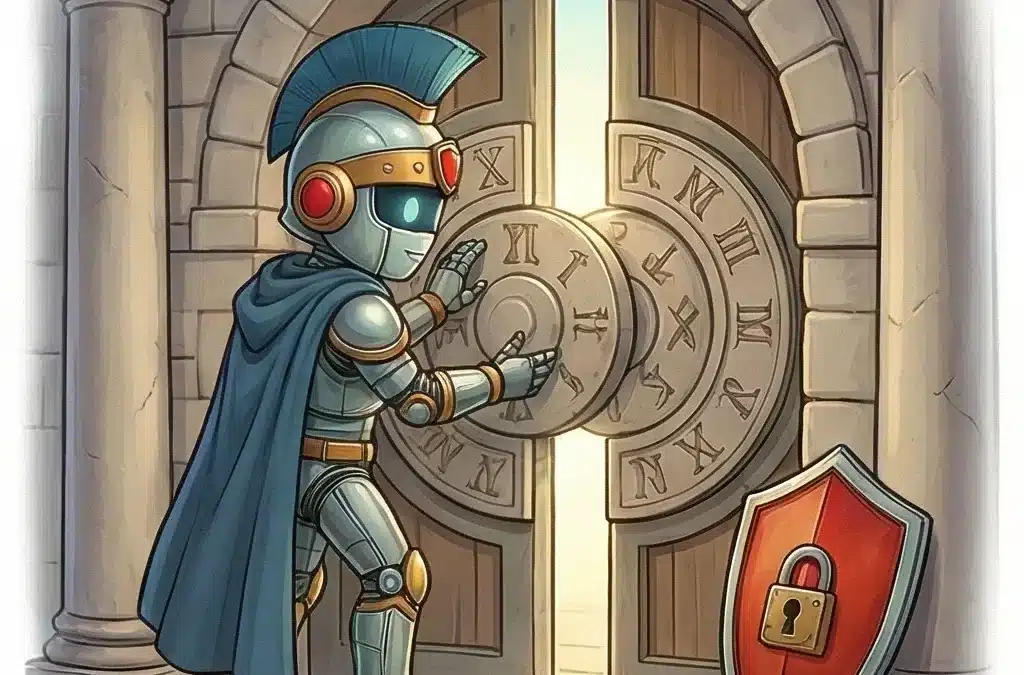
Greetings. In every strong city, gates are guarded with care and discipline. In business, your accounts are those gates. Protecting them is not optional. It is essential to your daily work and the safety of your organization.
Today we will walk through practical, clear mfa best practices that every business user should follow. Multi-factor authentication is one of the simplest and most powerful ways to strengthen account security, yet many users misunderstand how to use it correctly.
Roman Insight: “Strong gates keep the empire secure — every account deserves more than a single key.”
Why This Matters
Your password alone is not enough. Phishing emails, data breaches, and reused passwords make it easier than ever for attackers to gain access to business systems. Email, payroll platforms, customer databases, and cloud applications are frequent targets.
Multi-factor authentication adds a second layer of protection. Even if your password is exposed, an attacker still needs a second factor such as a code from your authenticator app or a hardware token. This dramatically reduces the chance of unauthorized access.
For end users, this is not just an IT requirement. It protects your job, your company’s data, and your customers’ trust.
What Are MFA Best Practices for Business Users?
Strong mfa best practices focus on consistency, secure setup, and careful daily use. Here is what every business user should do.
1. Use an Authenticator App Instead of SMS When Possible
Text message codes are better than nothing, but they are not the strongest option. SIM swapping and message interception can put SMS codes at risk.
An authenticator app generates time-based codes directly on your device. It does not rely on your phone number, which makes it more secure. Many companies recommend apps such as Microsoft Authenticator or Google Authenticator for this reason.
2. Secure the Device That Holds Your Second Factor
If your phone contains your authenticator app, that phone becomes a security key. Protect it carefully.
- Use a strong passcode or biometric lock.
- Enable automatic locking after a short period of inactivity.
- Keep your device operating system updated.
- Do not share your unlocked device with others.
Your account security is only as strong as the device that protects it.
3. Save Backup Codes in a Secure Location
Most systems provide one-time recovery codes when you enable multi-factor authentication. These codes are critical if you lose access to your phone.
Store them in a secure password manager or a protected company-approved location. Do not keep them in plain text on your desktop or in your email inbox.
4. Register More Than One Authentication Method
If your company allows it, register a secondary method such as a backup authenticator app or hardware token. This prevents lockouts if your primary device is lost, replaced, or damaged.
This simple step reduces emergency support tickets and downtime.
5. Never Approve Unexpected Login Prompts
Push notifications are convenient, but they can also be abused. If you receive a login approval request that you did not initiate, do not approve it.
This may indicate that someone has your password and is attempting to log in. Report the incident to your IT or security team immediately.
6. Avoid Sharing MFA Codes
No legitimate support technician should ask for your MFA code to log in as you. Attackers often pose as IT staff and request verification codes.
Your MFA code is personal. Treat it like your password.
Common MFA Issues in Business Environments
Many support tickets in systems like Freshdesk involve avoidable MFA issues. The most common include:
- New phone not registered before old phone is wiped.
- Authenticator app deleted without transferring accounts.
- Backup codes never saved.
- Users approving repeated push notifications without verifying the source.
Before upgrading or resetting your device, confirm your multi-factor authentication settings are updated. A two-minute check can prevent hours of downtime.
Common Mistakes and Misconceptions
MFA Makes Me Completely Safe
MFA significantly improves account security, but it does not replace good judgment. Phishing attacks can still trick users into revealing passwords and codes on fake websites.
It Is Only Important for Administrators
Attackers often target regular users first. A compromised standard account can still access sensitive emails, internal documents, and customer data.
Approving a Prompt Is Harmless
Repeated unexpected prompts may signal a password compromise. Approving one by mistake can grant access to an attacker.
When to Get Help
Contact your IT or security team if:
- You lose your phone or hardware token.
- You suspect someone else accessed your account.
- You receive repeated login prompts you did not initiate.
- You are unsure whether your MFA is properly configured.
Early reporting allows your organization to act quickly and prevent wider impact.
FAQ
What is MFA and why does it matter?
Multi-factor authentication requires two or more forms of verification to access an account. This typically includes something you know, such as a password, and something you have, such as a code from an authenticator app. It matters because passwords alone can be stolen or guessed. MFA adds a second barrier that dramatically reduces unauthorized access and protects business systems from common attacks.
Final Thoughts
Security is built on consistent habits. Strong passwords, careful awareness, and disciplined use of multi-factor authentication form the foundation of modern account protection.
Follow these mfa best practices daily. Protect your devices. Question unexpected prompts. Save your recovery options. With these simple steps, you strengthen not only your own access, but the security of your entire organization.
Stand guard over your accounts. Strong gates keep your business secure.
Recent Comments